iProfessor is your AI homework helper for desktop software & coding
Stuck on an assignment that lives inside an app? iProfessor talks you through every click, menu, and line of code — hands-free.
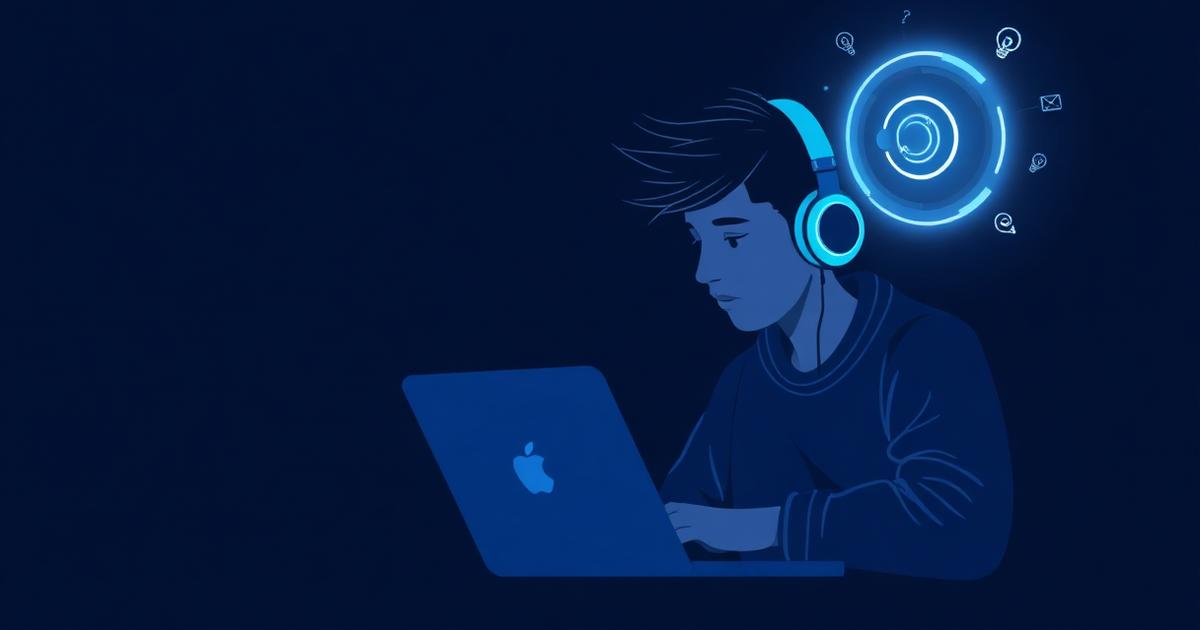
An AI homework helper should do more than answer questions. It should show you how to finish the task. iProfessor is a voice-driven AI desktop instructor that guides students through complex software and coding assignments step by step.
What makes iProfessor a powerful AI homework helper?
Most homework help tools give you text to read. iProfessor gives you live, spoken instructions paired with on-screen highlights. Whether you are learning Excel formulas, navigating Salesforce, or debugging Python in VS Code, iProfessor points to the exact button, menu, or line you need next.
Hands-free voice guidance
Ask questions out loud and hear step-by-step instructions while you keep both hands on the keyboard.
Live desktop highlights
On your real Windows desktop, iProfessor draws a yellow highlight over the exact element to click next.
Safe in-browser sandbox
Practice in a simulated environment without installing anything or risking real files.
Software & coding lessons
Follow curated lessons for Microsoft Office, Salesforce, VS Code, Windows, and more.
How students use iProfessor as an AI homework helper
- Coding assignments: Get voice-guided debugging, syntax explanations, and step-by-step walkthroughs in VS Code.
- Excel & data tasks: Learn formulas, pivot tables, and charts with spoken instructions and highlighted cells.
- Salesforce coursework: Navigate objects, reports, and workflows without memorizing every menu path.
- Windows fundamentals: Practice file management, settings, and shortcuts in the sandbox first.
Three ways to learn
iProfessor adapts to how comfortable you are with the task:
- Simulated mode — run the lesson in a safe browser sandbox with overlay coordinates.
- Live desktop mode — connect the iProfessor Windows Bridge for guidance on your actual screen.
- AI-guided mode — let the AI narrate each step and drop a guide-circle where you should look next.
Why voice-driven help matters
Reading a wall of text while trying to follow along in another window is slow and frustrating. A voice-driven AI homework helper keeps your eyes on the screen and your hands on the controls. You learn by doing, not by scrolling.
Ready to try iProfessor as your AI homework helper?
Launch a lesson, pick a mode, and start learning by doing.
Start learning now